Working versions of the kinds of systems we build for clients, on synthetic data. Open one and use it: they're live, and your changes are yours alone.

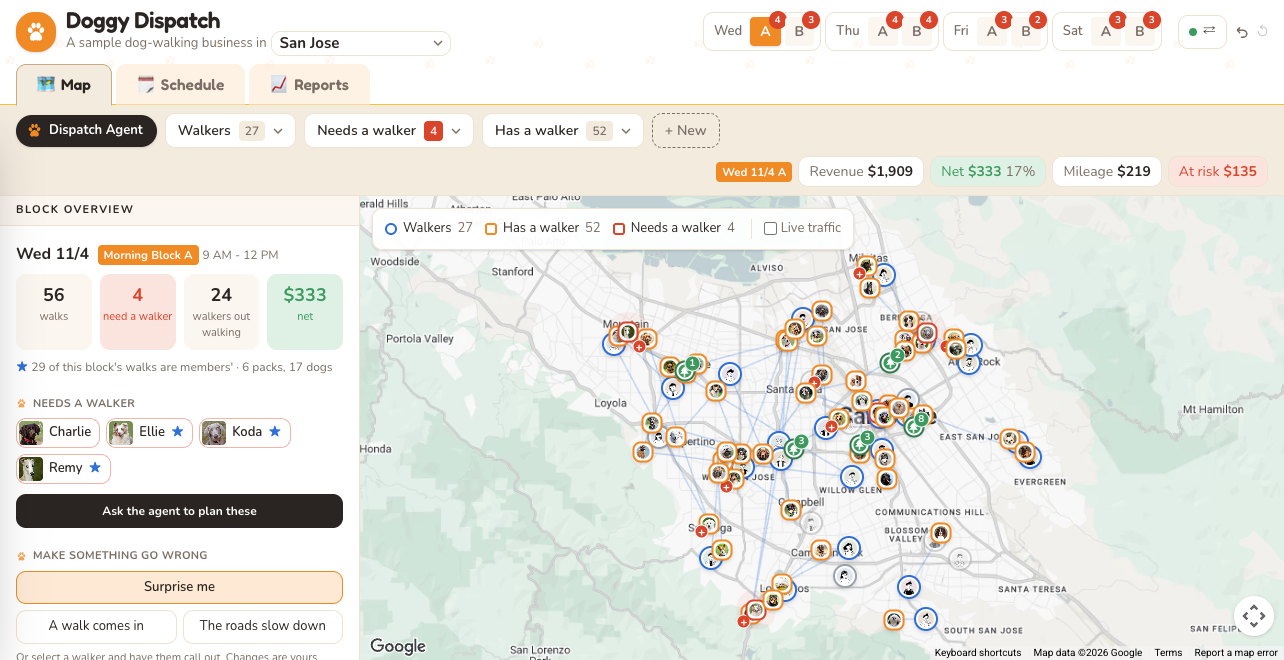
Dispatch & Reporting: a screenshotLaunch Demo
Field Services · Logistics · Home CareAI Inside

Dispatch & Reporting

A dog-walking business in 15 US cities: walkers, walks and time blocks on a live map and a schedule, priced and costed per walk, with reports on what each city, walk type and walker earns.

  • Mark a walker out sick, then have the agent re-plan the block; you approve each move.
  • Compare who could take a walk by extra driving and by profit.
  • Follow a pack walker from pickups to the park and back on the map.
  • Open Reports to see margins by city, and where mileage eats them.
  • Undo any change from History or with Ctrl-Z, Reset to start over, or take the walkthrough from the popup's header.
GeologisticsRoute PlanningSchedulingUnit EconomicsAI AgentsHuman Approval
About This Demo
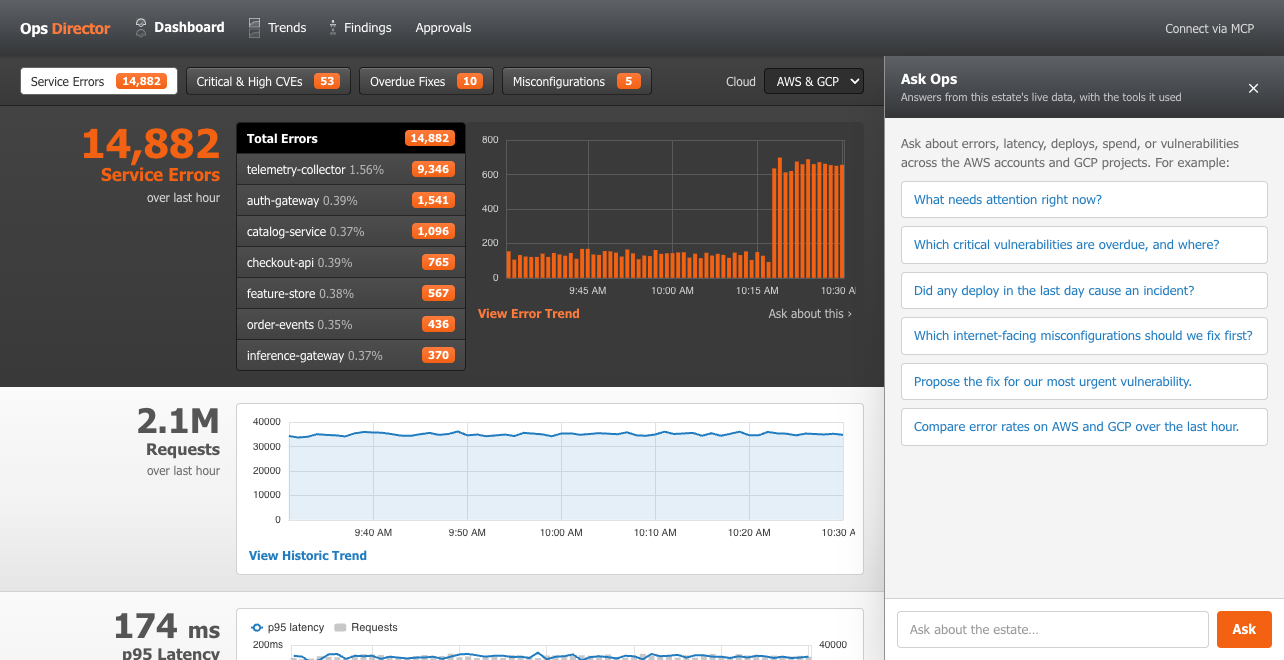
System Monitoring: a screenshotLaunch Demo
Platform Teams · DevSecOpsAI Inside

System Monitoring

Errors, latency, spend and CVE fix deadlines across a sample AWS and GCP estate, with drilldowns from the dashboard to a service, a CVE or a misconfiguration.

  • Ask Ops "what needs attention right now?" and follow its links into the data.
  • See real CVEs ranked P1 to P4 by exploitation (CISA KEV, EPSS), exposure and fix deadline, beside the cloud misconfigurations.
  • Have the assistant propose a fix, a rollback or a risk acceptance, then approve it yourself.
  • Connect your own AI client to it over MCP.
  • Take the walkthrough from the popup's header: the dashboard, Findings, Approvals and Connect via MCP.
ObservabilityVulnerability TriageCloud Security PostureAI AgentsHuman ApprovalMCP
About This Demo
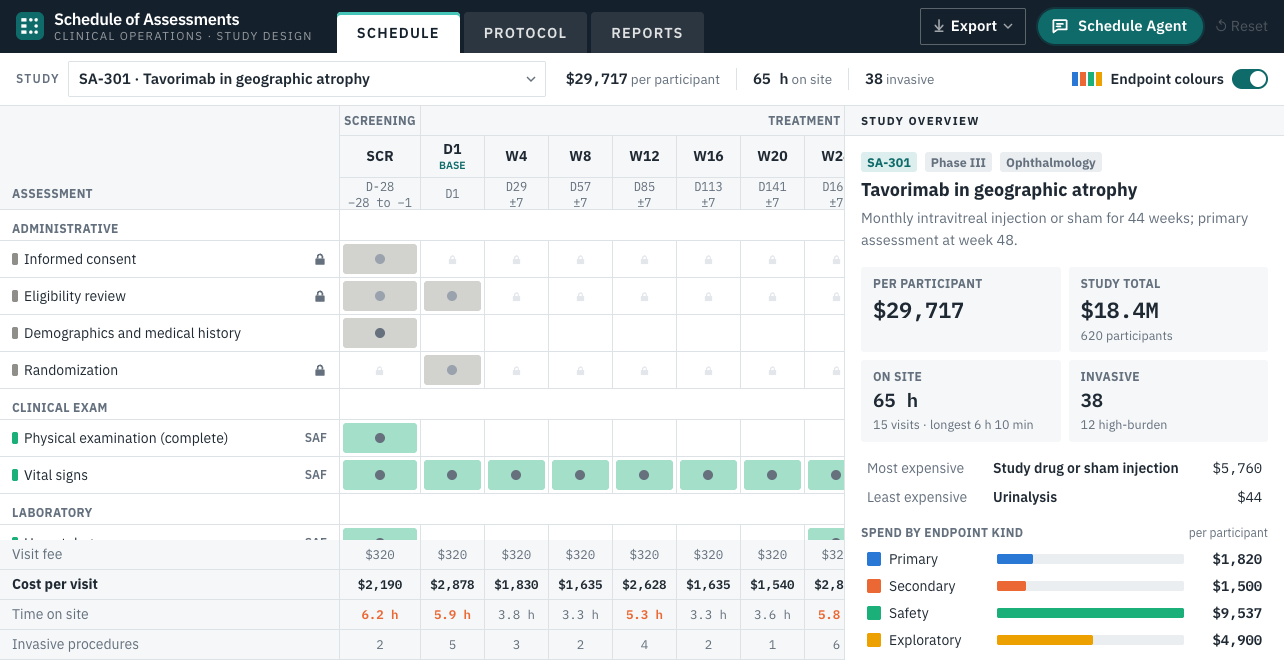
Schedule of Assessments: a screenshotLaunch Demo
Life Sciences · Clinical OperationsAI Inside

Schedule of Assessments

A clinical study's schedule of assessments: visits across, procedures down, with the cost per participant and in all, the participant's time on site and invasive procedures, and locks on what the primary endpoint and every participant need.

  • Ask the agent to find 10% savings, then approve the changes you agree with.
  • Unschedule an assessment and watch the visit and study totals change.
  • Hover a proposed change to see it on the grid before you approve it.
  • Open Reports to compare cost and burden across the five studies.
  • Open Protocol for the schedule table (ICH M11) as it would go to the FDA, and export it to PDF, Excel, CSV, USDM JSON or CDISC ODM.
  • Undo any change from History or with Ctrl-Z, Reset to start over, or take the walkthrough from the popup's header.
Structured AuthoringCost ModellingPatient BurdenAI AgentsHuman Approval
About This Demo
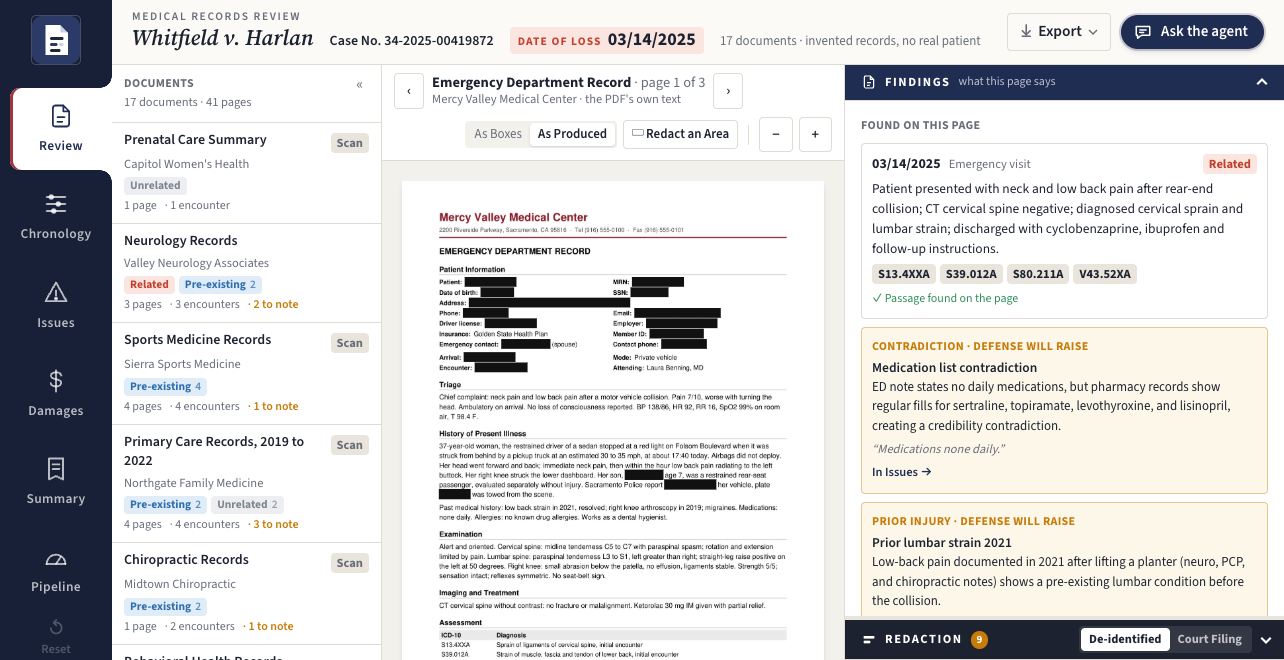
Medical Records Review: a screenshotLaunch Demo
Legal · Personal Injury · HealthcareAI Inside

Medical Records Review

A personal injury case file of 41 pages from eleven providers and the health plan, scans and faxes among them, read by OCR, layout and extraction into what a paralegal hands the attorneys: the medical records summary, with its chronology and medical specials (billed, paid and owed), and the production, redacted for real and Bates-stamped.

  • Open Summary for the medical records summary and the Bates-stamped production with its redaction log; edit a section, or have the agent redraft it.
  • Open Pipeline to see how well each stage read the records, scored against the known truth.
  • Ask the agent what predates the collision; every fact links to its page.
  • Switch between HIPAA and Court Filing (FRCP 5.2), then export the redacted PDF.
  • Undo any change from History or with Ctrl-Z, Reset to start over, or take the walkthrough from the popup's header.
Document AIOCRStructured ExtractionGroundingRedactionAI AgentsHuman Approval
About This Demo